


With Aqua Map, you have access to a wide range of information related to the safety of navigation: from changes to navigational aids, marine activities, hazards, regulations, restricted areas, and more. Even if some of this information isn't available on official charts, we source it from official channels (e.g, Coast Guard) and update it daily in the app, so you always have the most up to date data at your fingertips.
Currently, we support a limited set of countries (US, Canada, France, Denmark and Australia), but we are working hard to expand this list.
NOTE: An active Master subscription is required to access the Navigational Information.
Navigational Information Settings
From the main Settings page, you can access the Navigational Information settings, where you can adjust all the relative parameters.
Please note that on this page, you can manage information from multiple countries.
At the top, there is a shared sections where you can manage data downloads and updates:
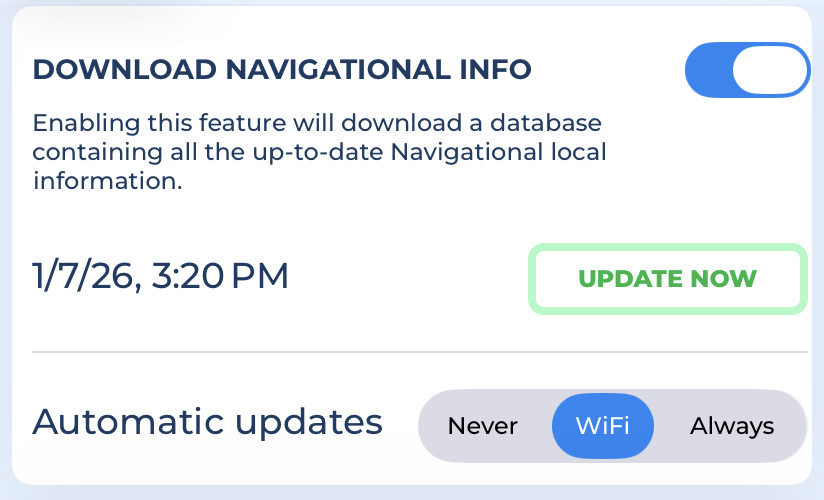
- Download Navigational info: Enables downloading and updating all the Navigational Information.
- Update now: Press this button to immediately download the latest available data.
- Automatic update: Here you can choose how the app updates data automatically:
"Never": Data will not update automatically, you will need to press the "Update now" button manually.
"WiFi": Data updates will be automatically downloaded each time the app is active and connected to a WiFi network.
"Always": Data updates daily using any type of data connection (even cellular connection).
Note: With the "Always" option, you may incur extra costs depending on your mobile contract.
In the next section, you can configure some display parameters:
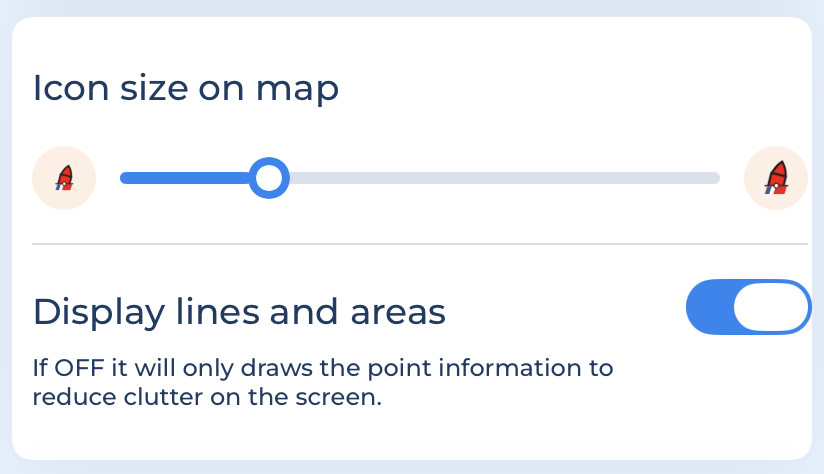
- Icon size on Map: Choose your preferred icon size for all the Navigational Information icons.
- Display lines and areas: Since the information can include points, lines or areas, you can choose to display all types or only points to reduce clutter con the screen.
United States
The US Coast Guard (USCG) districts, spread across country, are responsible for maintaining navigational aids. They manage over 54,000 aids in total and keep them up to date daily by publishing the updated List of Lights.
In addition, the USCG provides a very frequent update (multiple updates per day) of the Local Notices to Mariner, informing boaters about shoaling, dredging, events, and other important changes.
Both the updates are included in the Aqua Map Navigational Info service. This ensures that captains receive timely information about changes in navigational aids and have the details they need for a safe journey.
These are the settings:
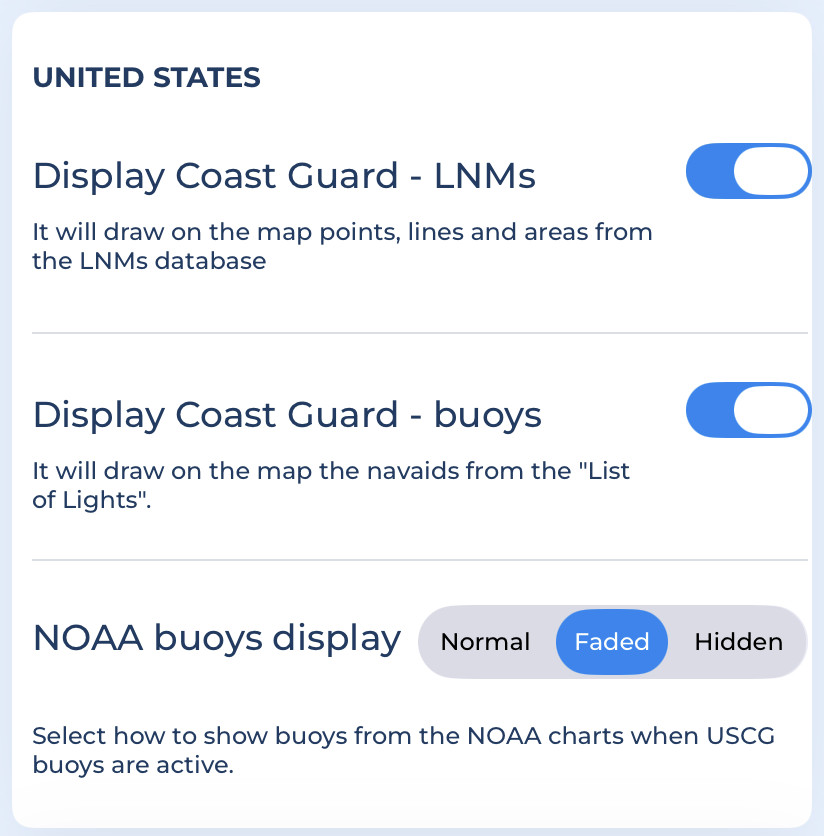
- Display Coast Guard - LNMs: Shows all the LNM from the USCG directly on the map. Enabling this options also allows you to search for them in our search section.
- Display Coast Guard - buoys: Displays the USCG buoys from the "List of Lights" on the map.
- NOAA buoys display: Choose how to display the standard navigation aids from NOAA charts when USCG bouys are shown. This options is useful because NOAA bouys may "conflict" with USCG bouys: NOAA uses the USCG List of Lights but updates them less frequently. USCG navaids are generally more accurate.
NOTE: the settings used to display the Navigational Information on the map are the same as those used by the Route Planner to calculate safe areas for navigation (with the exception of the Icon size).
Buoys from the List of Lights on the map
When you activate the "Display Coast Guard - buoys", all buoys, beacons, and lights provided by the USCG will appear on the map. They use icons similar to NOAA's, but each USCG buoy includes a small USCG flag at the bottom to distinguish it from standard NOAA symbols.
Additionally, an info icon may appear at the top-left to indicate specific situations (e.g. 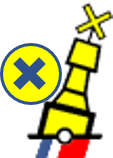 ):
):
 Navigation alert: Indicates a potential navigation hazard in this area.
 Missing aid: Indicates that a buoy should be present but is currently missing.
 Out of position aid: A buoy has moved from its expected position.
 General information: Provides useful navigation information.
 Temporary aid: Indicates a temporary buoy that will be removed soon.
Tapping on a USCG buoy provides more detailed information about that object:

Canada
The Canadian Coast Guard publishes and continuously updates Navigational Warnings (NAVWARNs), which contain information about changes to navigational aids, currents and marine activities, or hazards that may affect navigation safety.
With Aqua Map, you can display Canadian NAVWARNs on the map and access all relevant information. The app updates this data daily with the published NAVWARNs.
These are the settings:
- Display Coast Guard - NAVWARNs: Shows all the NAVWARNS (Navigational Warnings) from the Canadian Coast Guard on the map. Enabling this options also allows you to search for it directly in the Search option.
France
The PING (National Nautical Information Platform) is the official French government service responsible for publishing and updating all warnings, notices and regulations currently in force in mainland France, Antilles, Guyane and North-East Atlantic (NAVAREA II zone).
With Aqua Map, you can view all PING data on the map and access detailed information. Aqua Map updates this data daily from the PING service.
These are the settings:
- Display PING - Warnings and Notices: Shows all the PING warnings and notices directly on the map (enabling the drawing will also enable the searching).
- Display PING - Regulations: Shows all PING regulations on the map. (Enabling this option also allows searching). Regulations are kept separate because multiple regulations in the same area can create clutter.
Denmark
The Danish Maritime Authority (DMA) is the official government service responsible for publishing and updating the navigational warnings and notices to mariners currently in force in Denmark and Greenland.
With Aqua Map, you can view all DMA data on the map and access detailed information. Aqua Map updates this data daily from the DMA service.
These are the settings:
- Display DMA - Warnings and Notices: Shows all DMA warnings and notices (enabling the drawing will also enable the searching).
Western Australia
The Department of Transport and Major Infrastructure for Western Australia (Transport WA) publishes and updates all current temporary notices and navigational warnings for regions and statewide of Western Australia.
With Aqua Map, you can view all Transport WA data on the map and access detailed information. Aqua Map updates this data daily from the Transport WA service.
These are the settings:
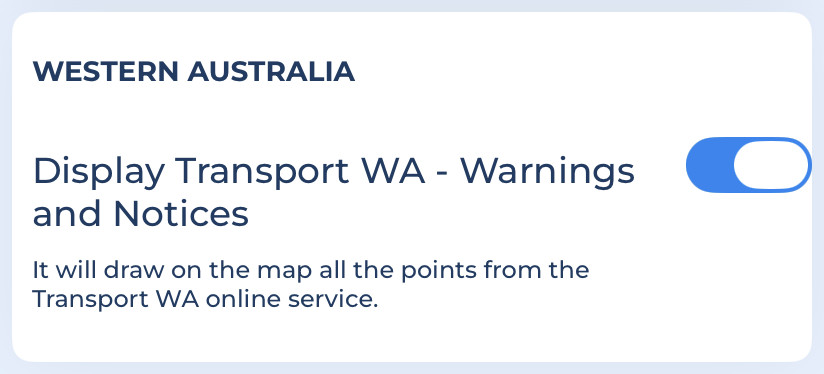
- Display Transport WA - Warnings and Notices: Shows all Transport WA data related to warnings and notices (enabling the drawing will also enable the searching).
Navigational Information on the Map
The Navigational Information (except for US List of Lights, buoys, see the United States paragraph above) are displayed on the map using the following symbols (the line pattern could be different country by country):
 Warning icon: Indicates a point with a navigation hazard.
 Notice icon: Indicates a point where Navigational information is available.
 Line pattern: Indicates the presence of a Notice/Warning related to a line.
 Warning area: indicates an area with potential danger.
 Notice area: indicates an area where there is some information related to the navigation.
 Regulation area: indicates an area with rules and regulation to follow.
Navigational info details
In the Map information page you can see some details about navigational info:
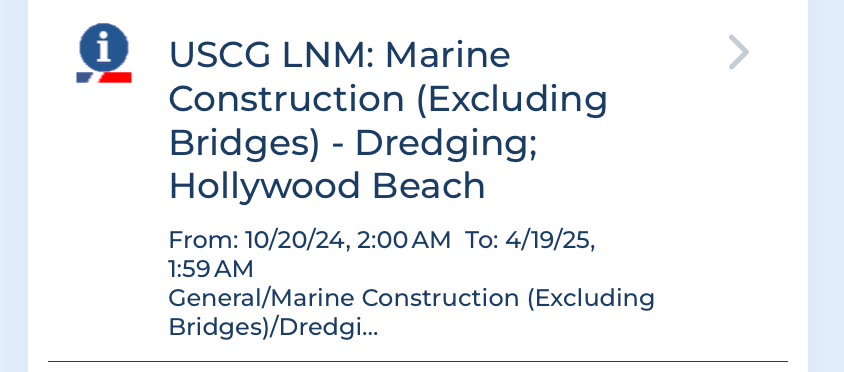
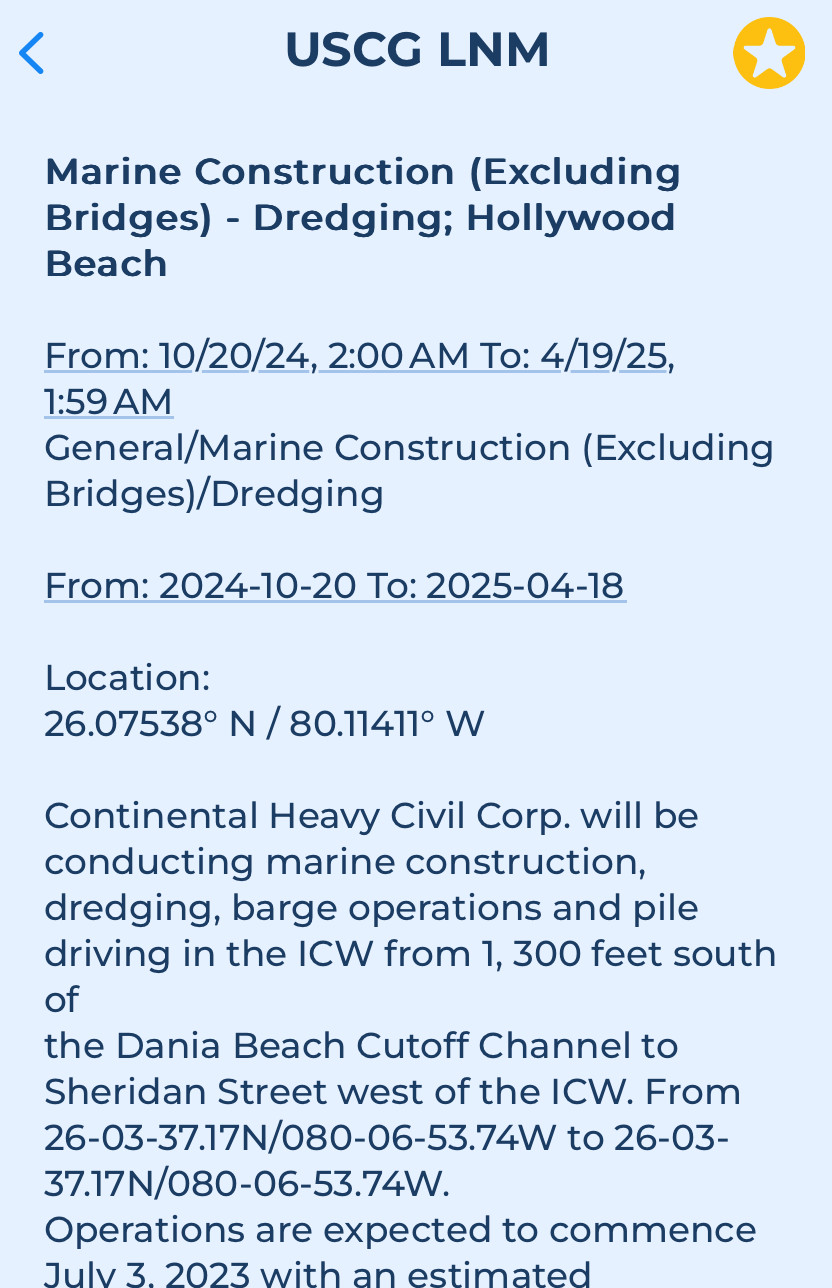
Tapping on any object displays all available information about it:
Navigational info search
Go to the Search page, then choose the "Places and POIs". From there, select the Navigational info option in the "Search filters",
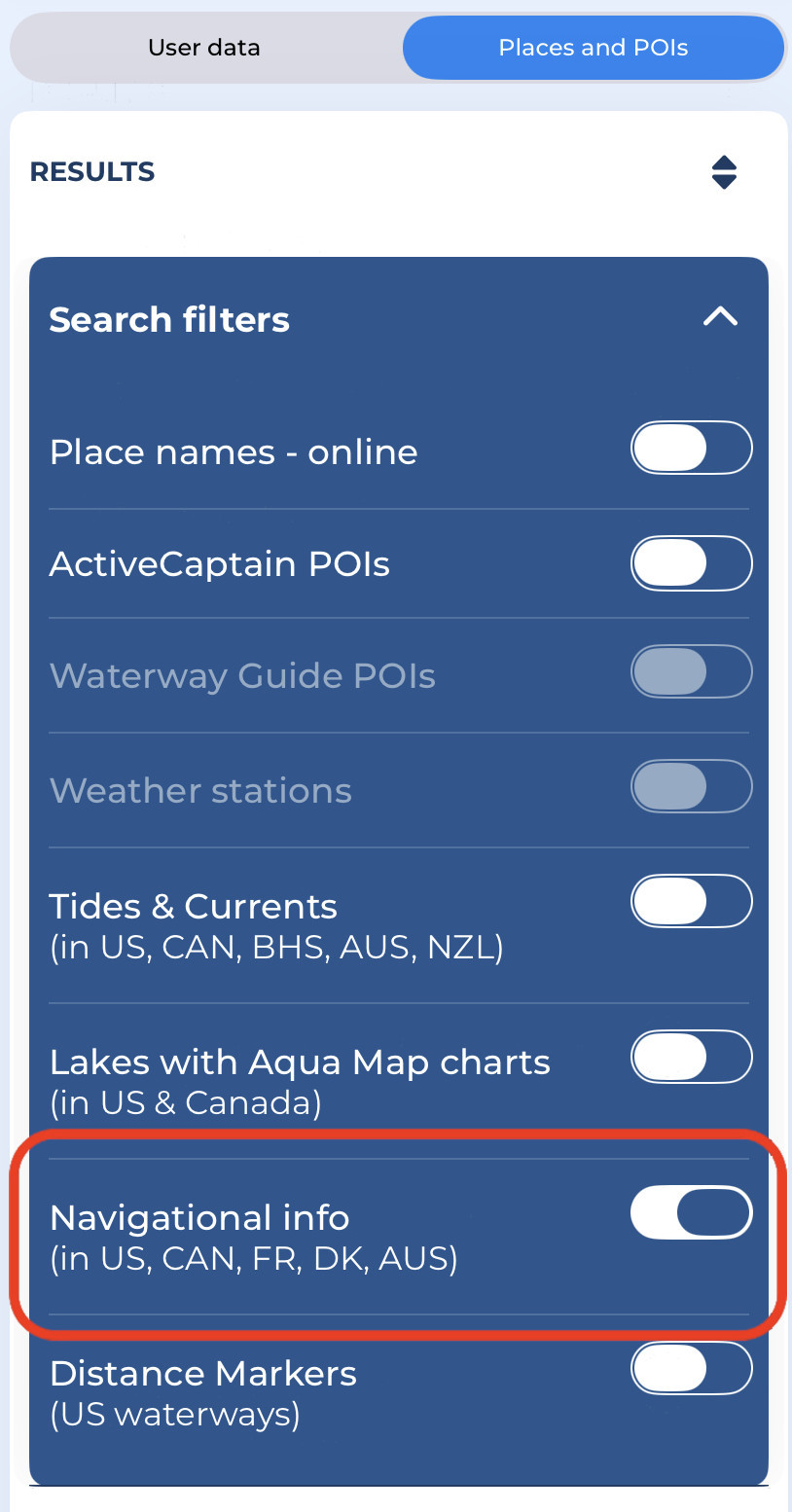
Enter your search query. In the example below, you can search for all the navigational information containing the word "Alligator":
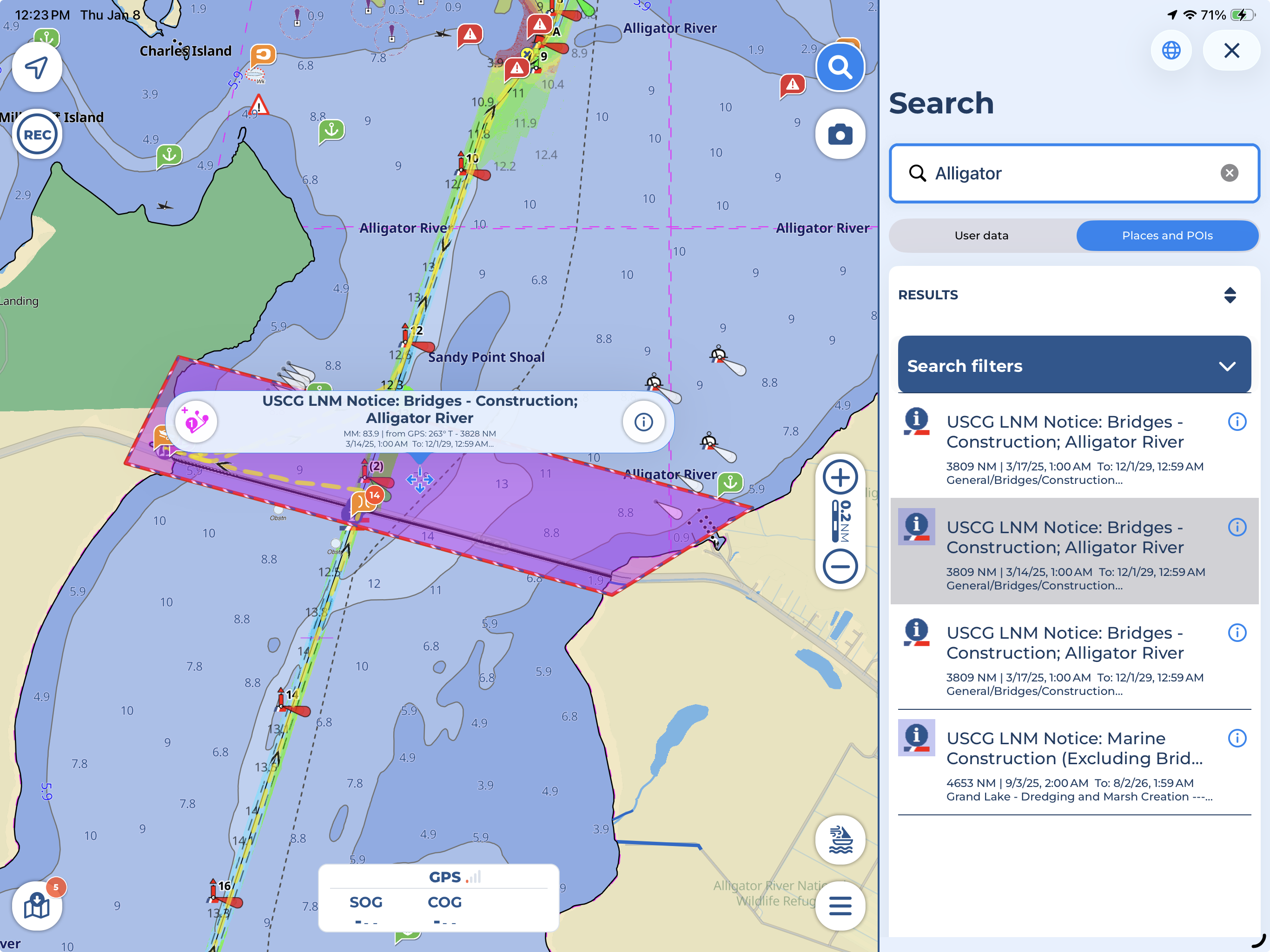
Tapping an object in the search results will highlight it on the map in magenta. Opening the object's details using the icon will also highlight it. To remove the highlight, tap anywhere on the map.
