


Wi-Fi Connections: bringing your boat's instruments into Aqua Map
Aqua Map can connect directly to your boat's own instruments, AIS, depth sounder, wind sensor, compass, and GPS, and pull all of that live data straight into the app. Instead of glancing between separate displays, you get everything on the same chart you're already navigating with.
To set this up, you'll need Aqua Map running on your device, plus a Wi-Fi gateway or onboard device capable of transmitting NMEA0183 or Signal-K data (Signal-K is iOS only) over Wi-Fi. There are several gateways and devices on the market that support this, and you'll find a list of those specifically tested with Aqua Map toward the bottom of this page.
Wi-Fi Connections require an active Advanced Tools subscription.
Setting up a connection
You'll find Wi-Fi Connections settings from the main Settings page. Tap the blue button in the middle of the page to add a new connection, or tap an existing connection's name to edit it.

The Connection settings page
This is where you choose your device or manufacturer from a list of predefined options. Pick one, and Aqua Map automatically configures the default settings and connects for you.
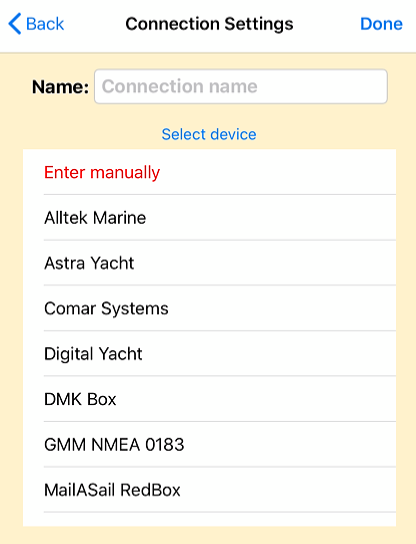
If your device isn't listed, select "Enter manually" and configure it yourself.

You'll need to provide:
- The protocol (TCP or UDP).
- The IP address, if required.
- The port number.
- Whether your connection uses the NMEA checksum.
Once you've entered everything, tap "Save changes," then "Start connection" to connect to your device. To edit an existing connection later, tap the pencil icon  .
.
When the connection is working, you'll see a green "Active - Receiving" label.
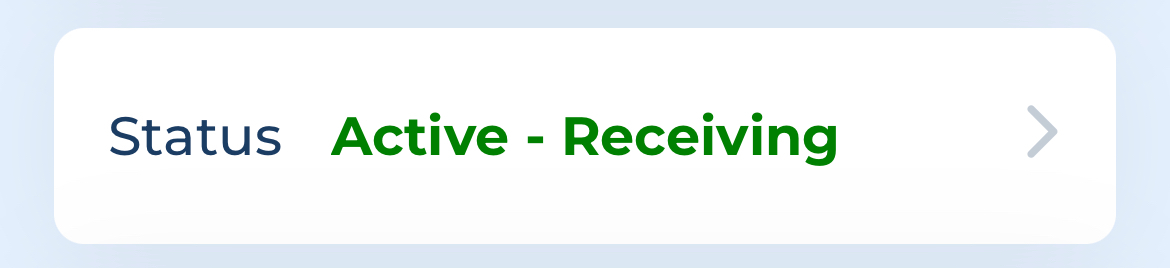
If something's wrong, you'll see a red error label instead. Tap the status box at any point to open the Log page, showing every sentence received (if things are working) or error reports (if they're not). If you need help troubleshooting, tap "Send log to support" at the bottom of that page to email the log directly to our support team.
Autopilot Connection
Below the status box, you'll find the Autopilot Connection switch.
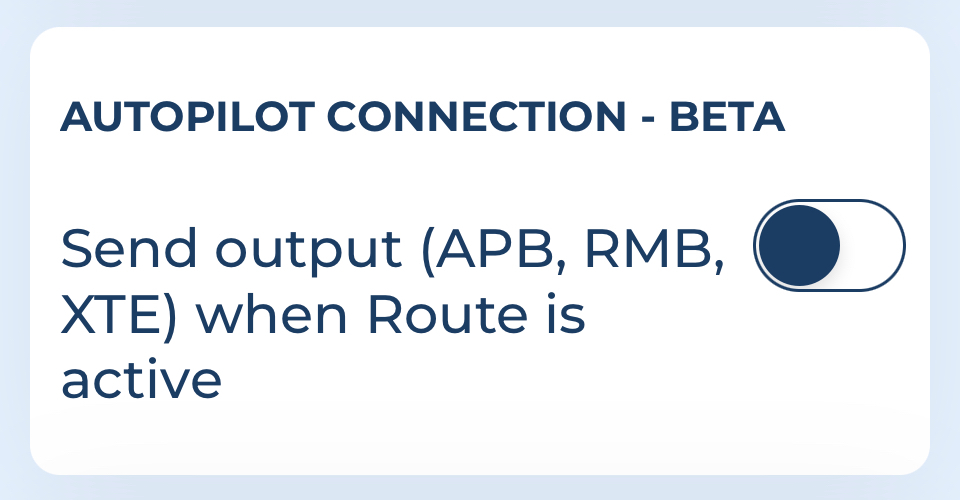
Turn it on, and while you're navigating a route (tracks aren't supported here), Aqua Map automatically sends NMEA0183 sentences through this connection, the kind of data an autopilot controller uses to follow your selected route.
A couple of important warnings on this one. First, autopilot systems vary a lot across brands and configurations, and we've seen different behavior depending on the setup, so this feature is currently in beta. Go carefully the first time you use it, and reach out to support@aquamap.app if you run into anything unexpected. Second, and more importantly: never leave the helm unattended while using this function, especially with a route calculated automatically by Route Planner. Autopilot is a tool to assist your navigation, not a replacement for keeping watch.
Transducer settings
If your connection is actively receiving depth data, a Transducer section becomes available, letting you:
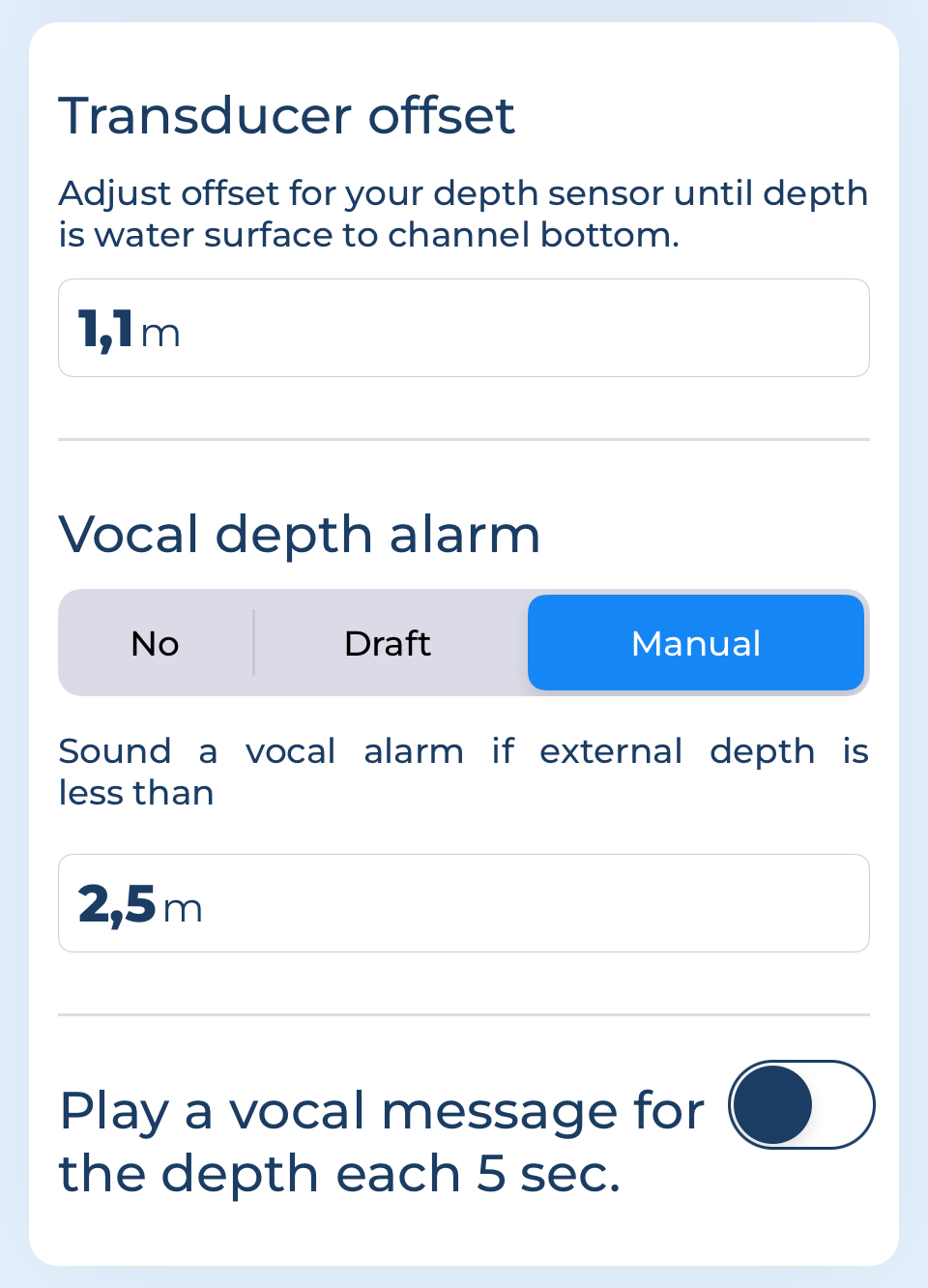
- Set a transducer offset, added or subtracted from the received depth to calculate actual depth from the water's surface.
- Choose whether and how you want a depth alarm to trigger, either when depth drops below your boat's draft (set on the My Boat page) or below any custom value you choose.
- Decide whether you want to hear the depth reading announced every 5 seconds.
The Connections list page
This page lists every connection you've set up, since Aqua Map supports connecting multiple devices at once, and shows exactly what data each one is sending.
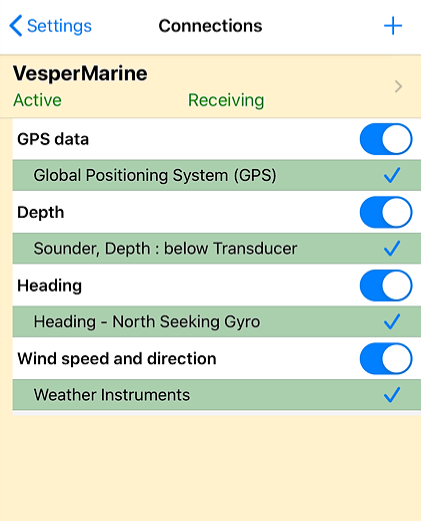
If more than one device sends the same type of data, a blue switch lets you choose which source to use, or you can simply switch a data type off entirely. Tap any connection's name to jump back into its settings.
How external data is used in the app
Once connected, each type of data behaves a little differently:
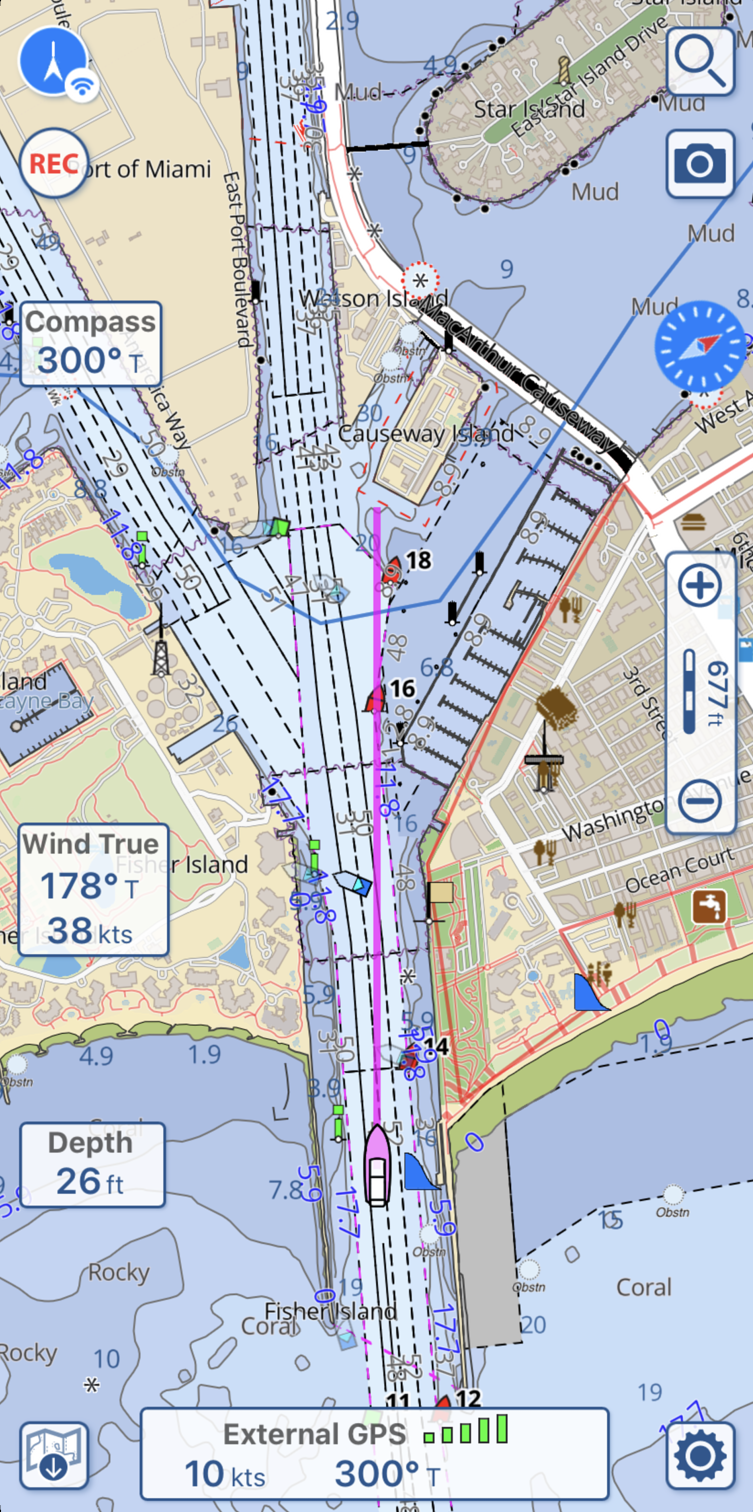
- GPS. When an external GPS is connected, Aqua Map uses it for everything GPS-related, position, speed, direction, and signal quality, powering every function that depends on it, from the map display to anchor alarms and track recording. You'll see a distinct icon on the GPS button and an "External" label in the GPS info box to confirm it's active. Over NMEA0183, Aqua Map reads RMC, GGA, and GLL sentences;
- compass. External compass data substitutes your device's internal sensor when needed, for instance, displaying the map in Heading-up mode, and adds a dedicated box on the left side of the screen. Over NMEA0183, this uses HDG, HDT, and HDM sentences;
- depth. Depth appears in its own box on the left of the screen. If you've set your boat's draft on the My Boat page, a "Low water alarm" voice alert triggers automatically once depth drops below your draft (plus a 20% margin), and the depth box turns red at the same time. If you're recording a track, depth data gets saved with it too, so you can view a full depth graph later from the Track Info page. Over NMEA0183, this uses DPT, DBK, and DBT sentences;
- wind. Wind data also gets its own box on the left of the screen. Aqua Map prioritizes True Wind Direction, calculating it itself when it isn't received directly, particularly when GPS data is available. Over NMEA0183, this uses MWV and MWD sentences.
- AIS. AIS targets appear directly on your chart. For the full picture, see the dedicated AIS Integration page.
Devices tested with Aqua Map
The following gateways and devices have been specifically tested and confirmed to work with Aqua Map:
- Actisense W2K-1 Wi-Fi gateway
- Alltek Marine B600W
- Boat Beacon
- Comar Systems I300W
- Digital Yacht NMEA to Wi-Fi adaptors
- Digital Yacht iKommunicate (NMEA to Signal K gateway)
- MailASail Redbox
- nke Wi-Fi Box (multi input/output interface with bidirectional Wi-Fi communication)
- PredictWind DataHub
- Quark-Elec multi-device NMEA 0183 multiplexers
- Rose Point Nemo Gateway
- SailTimer Air Link
- Shipmodul MiniPlex-3 Series
- Vesper WatchMate XB-8000 (NMEA to Wi-Fi transponder)
- Vesper WatchMate Vision2 (smart AIS touchscreen transponder with Wi-Fi and NMEA 2000 gateway)
- Yacht Devices NMEA 0183 Wi-Fi Gateway YDWN-02
Autopilot systems tested with Aqua Map
- PredictWind DataHub bridged to an NMEA 2000 bus with a Raymarine EV-1 course computer, ACU400 actuator, and two p70Rs control heads
- PredictWind DataHub bridged to an NMEA 2000 bus with a Raymarine AP system (RS130 GPS, EV-1 course computer, p70Rs AP control head, Jefa AP drive)
- Digital Yacht NAVLINK2 bridged to an NMEA 2000 bus with a Simrad autopilot and AC-40 computer (a Digital Yacht iKonvert box was needed to convert N2K commands to NMEA0183 for the AC-40)
- Yacht Devices YDWG-02 bridged to an NMEA 2000 bus with a Raymarine e-Series and Evolution autopilot
- Yacht Devices YDEN-02 bridged to an NMEA 2000 bus with a Raymarine AP system (RS130 GPS, EV-1 course computer, p70Rs AP control head, Jefa AP drive).
Want to see it in action?
For a full walkthrough of setting up Wi-Fi Connections, check out our video tutorial.
